
Modern Note-Taking
Meets Intelligence
Powerful handwriting recognition, PDF annotation, audio notes, and AI-powered study tools. All your notes, perfectly synced across your Apple devices.
Powerful handwriting recognition, PDF annotation, audio notes, and AI-powered study tools. All your notes, perfectly synced across your Apple devices.
A complete note-taking system designed for students, professionals, and creatives.
Natural handwriting with Apple Pencil support. Multiple tool presets, color palettes, and templates for every need.
Mark up PDFs with pen and highlighter. Add text boxes, shapes, and notes. Full text search and outline navigation.
Powerful handwriting recognition powered by Apple Vision. Search all your handwritten notes instantly with full-text indexing.
Record lectures and meetings with stroke-linked playback. Advanced noise reduction and automatic silence detection.
Seamlessly sync notebooks across all your devices with iCloud. Automatic conflict resolution and version history.
Share notebooks with classmates or colleagues. Real-time presence, comments, and collaborative editing.
Keep your notes perfectly organized with a flexible library system inspired by Notability.
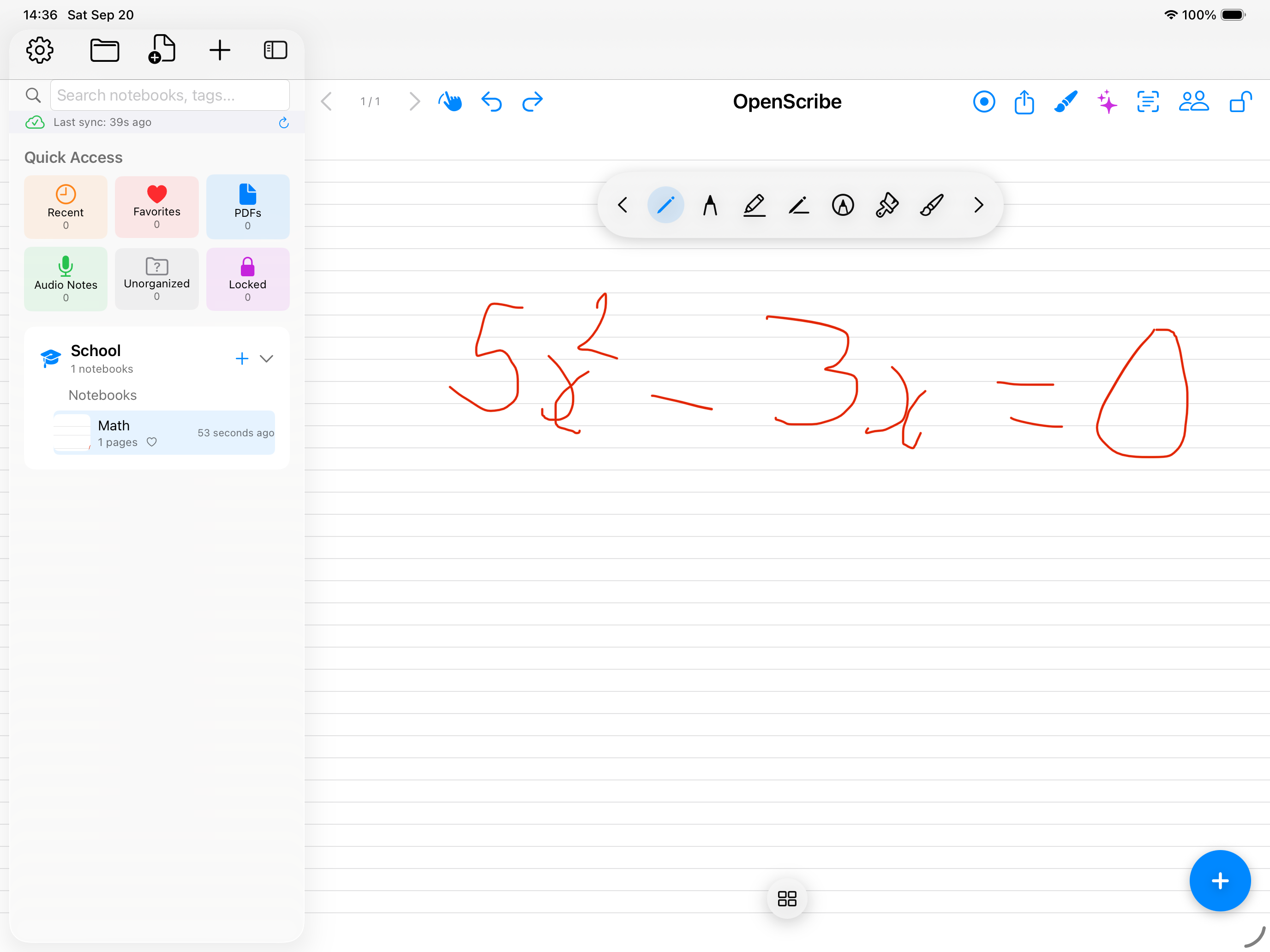
Everything you need to create beautiful, professional notes and documents.
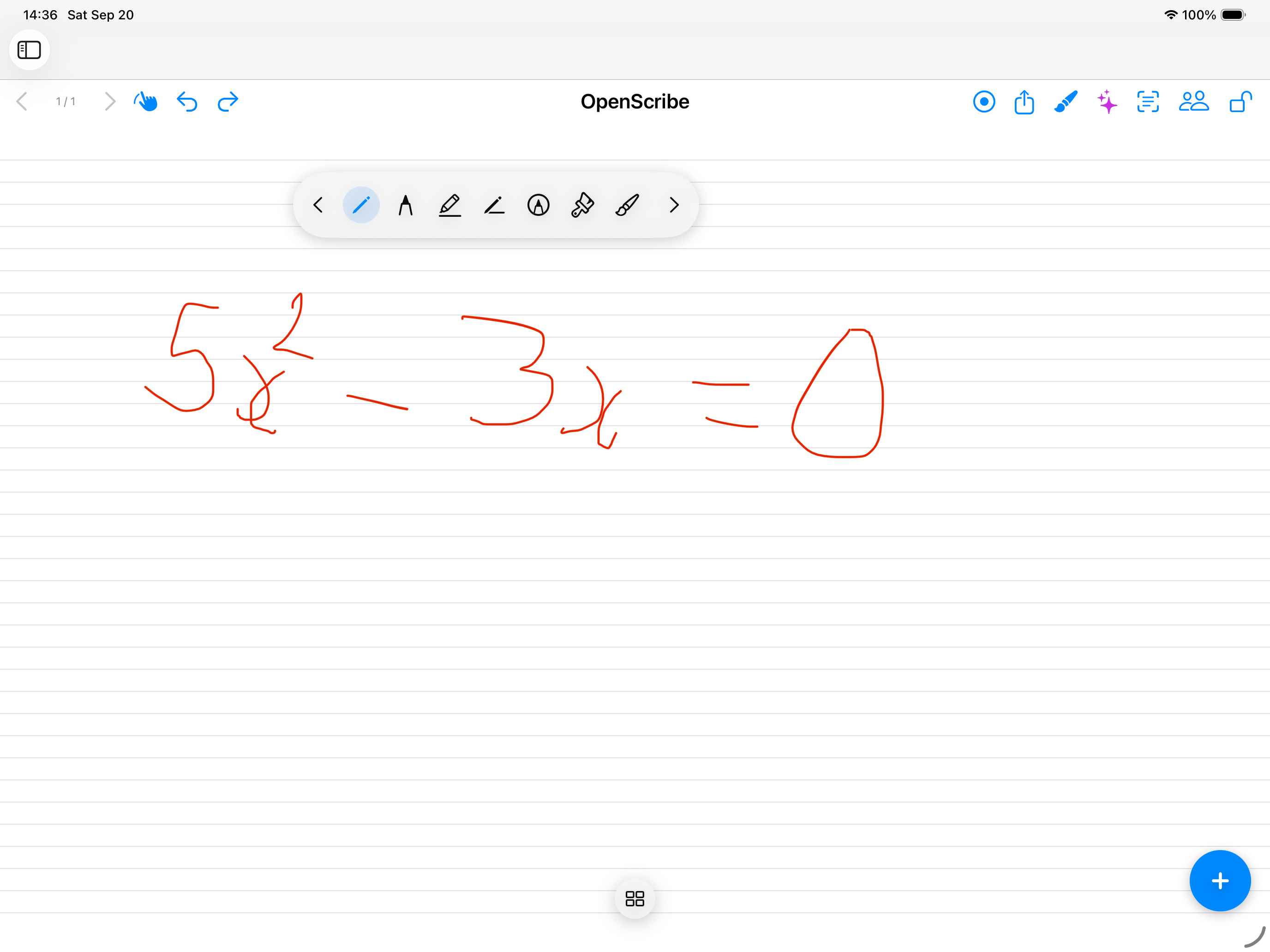
Transform your notes into powerful study tools with AI assistance.
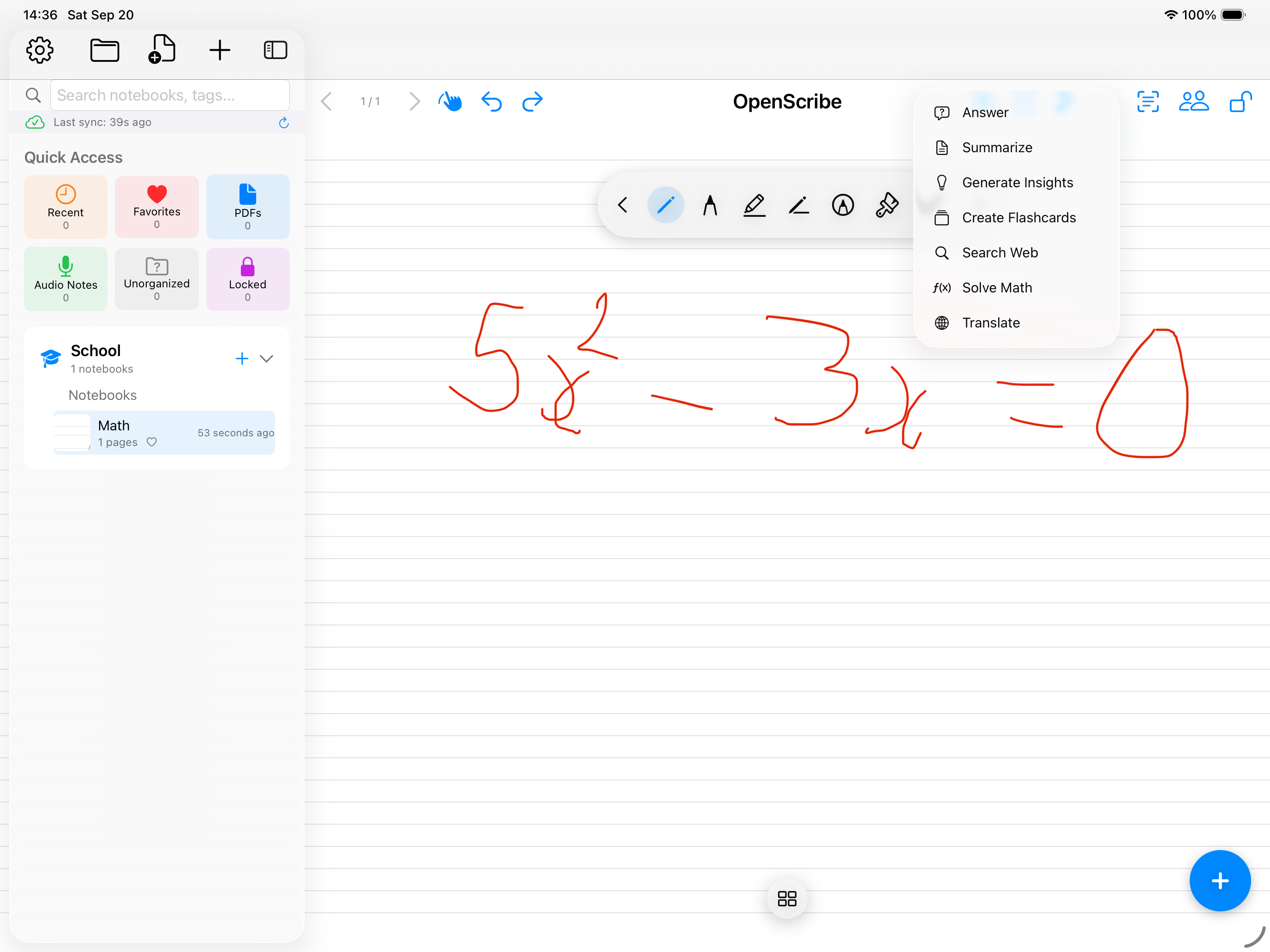
Supercharge your study workflow with AI-powered features.
Automatically generate concise summaries of your notes and lectures.
Get key insights, main concepts, and important points highlighted.
Ask questions about your notes and get instant, contextual answers.
Create practice quizzes and flashcards from your content automatically.
Translate your notes to over 50 languages with one tap.
Improve clarity, grammar, and style with AI-powered suggestions.
Convert handwritten equations to beautiful, formatted LaTeX.
Find notes by meaning, not just keywords. Understand context.
Download OpenScribe today and transform the way you take notes.
Requires iOS 17 or later. Works on iPhone and iPad.